
A blurred patient name, cropped UHID, or missing doctor detail is not a design problem alone: it is an identification risk. You will learn how to verify the correct information, choose between a replacement cover, insert, label, or complete file, and prepare a print specification that protects privacy and prevents repeat errors.
Key takeaways
- Stop the file until patient identity matches facility records.
- Never reconstruct blurred names, UHIDs, diagnoses, or dates by sight.
- Choose a cover, insert, label, or complete file replacement.
- Approve a proof and inspect the first and last printed sheets.
Stop and verify the file before changing anything
Stop the file and treat it as unsafe for clinical decisions until its identity is reconciled through the facility’s documentation procedure. Never guess a blurred patient name, UHID, diagnosis, doctor name, or date from an image.
Compare the unclear field with authorised records:
- Hospital information system
- Registration slip and prescription
- Laboratory report
- Patient wristband
Confirm the patient name, UHID or medical record number, registration number, diagnosis, doctor name, department, and visit date. Record which source authorised the correction.
| Apparent problem | What to check | Safe response |
|---|---|---|
| Blurred original | Are the characters indistinct across the source itself? | Verify against the source record |
| Low-resolution scan | Do blocky pixels appear around every character? | Obtain a better scan or use the record |
| Faded toner or smudged ink | Are strokes pale, broken, or physically spread? | Compare with another original |
| Glare or lamination damage | Does the text appear only at a different viewing angle? | Inspect the undamaged record |
| Compression artefacts | Are square blocks or ringing visible? | Do not interpret the generated shapes |
Pixel enlargement, OCR, sharpening, and AI upscaling can create plausible characters; they cannot recover unreadable data. If an authorised source confirms the text, recreate the artwork from verified text. Otherwise leave the field for authorised completion, record the exception, and keep it out of use.
Poster printing for medical files is a controlled documentation correction, not an image-enhancement exercise.
Choose the right replacement: cover, insert, label, or complete file
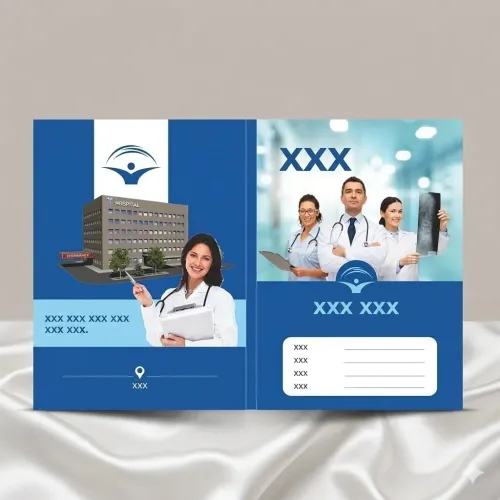
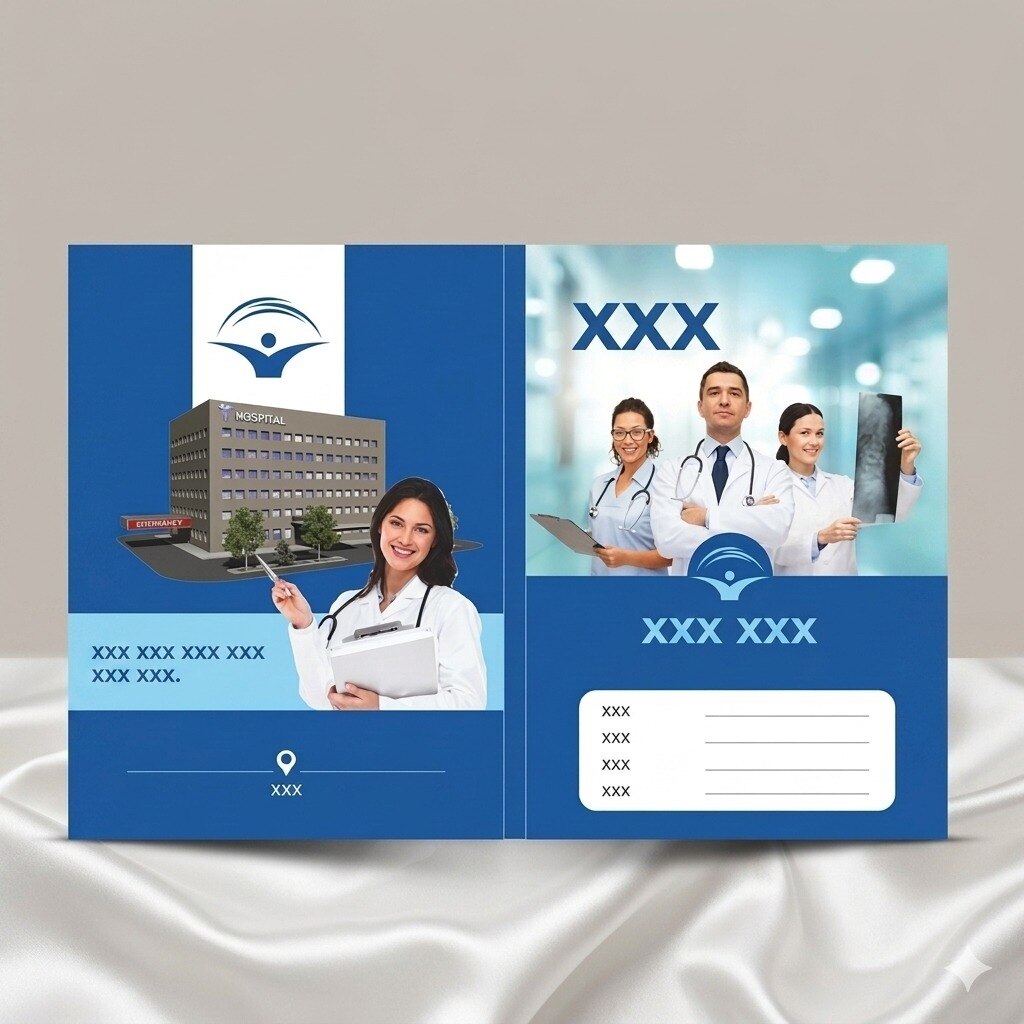
Choose a replacement cover when the existing folder is worn, wrongly identified, or permanently marked. Specify the finished trimmed size, insertion orientation, crease positions, and punching pattern—not merely “A4 poster.” A4 measures 210 × 297 mm and A5 148 × 210 mm, but the folder determines the correct fit.
Use an identification insert when the folder remains usable and staff need a clear patient-information sheet inside it. Use an internal notice for workflow instructions, such as a missing-report alert; do not place operational text beside patient identifiers.
Apply a correction label only to a small, authorised change that remains legible without covering the UHID, barcode, diagnosis, or another required field. A temporary file marker can hold the record while staff reconcile identity, but it must state “Temporary—Not a Clinical Record.”
| Option | Strength | Limitation |
|---|---|---|
| Typed label | Fast to prepare | Less durable |
| Sticker | Clear and easy to position | Can peel |
| Stamp | Inexpensive | Limited layout |
| Handwritten correction | Immediate | Legibility and audit risks |
| File-folder reprint | Durable replacement | Requires verified artwork and production |
| Complete doctor file | Safest when several fields or the folder structure are compromised | Takes longer to recreate |
These distinctions matter in dr file poster printing in Nagpur: match the format to the damage, rather than forcing every correction onto one poster.
Build the replacement from verified data, not a damaged image
A safe replacement separates fixed artwork from variable data. The approved template should identify the facility, department, field labels, version number, and date format, with a defined blank area for later updates.
- Keep the controlled data file separate from the template. Include the patient name, UHID or medical record number, date of birth, visit date, department, treating doctor, emergency contact field, and barcode or QR-code content.
- Set character limits and formats before custom dr file printing. Do not print “null,” “N/A,” or software error text for missing values; use an exception report or an authorised blank field.
- Protect privacy before sharing scans or photographs. Remove unrelated patient names, phone numbers, addresses, diagnoses, prescriptions, and identifiers. Send only the pages needed for the artwork, restrict access to the variable-data file, and limit production quantities.
- Arrange secure destruction of spoiled sheets, overruns, obsolete versions, and proofs. Ordinary paper recycling is not suitable for pages carrying identifiable health information.
Request a representative proof, not only a blank artwork proof. It should show a long patient name, long registration number, multi-line address, blank fields, dates, and a barcode or QR code; a blank proof cannot expose variable-data failures.
Reserve the blank area for authorised later entries rather than improvised writing over labels, barcodes, folds, or patient identifiers. Confirm that every variable field fits without clipping, wrapping into the wrong field, or reducing the text to unreadable size.
Specify size, stock, barcode placement, and proof requirements
Give the printer the exact object, finished dimensions, material, barcode position, and approval method before ordering poster printing for dr files with missing details in Nagpur.
“A4 poster” is not enough: A4 measures 210 × 297 mm and A5 measures 148 × 210 mm, but the file pocket, clip, fold, and insertion direction determine the usable size.
| Object | Specify before production | Main risk if wrong |
|---|---|---|
| File-cover poster | Trimmed cover size, spine, folds, punching, clip clearance | Holes or creases cut through identifiers |
| Patient-information insert | Insert size, orientation, writing area, stock | It jams, falls out, or leaves no room for notes |
| Wall poster | Display size, viewing distance, privacy-safe content | Patient details become visible to unauthorised viewers |
| Label | Label size, adhesive, corner radius, covered fields | It peels or hides the UHID, barcode, or diagnosis |
Keep bleed outside the trim line and place names, UHIDs, dates, and barcodes inside a larger safe area away from edges, holes, clips, and creases.
Choose uncoated stock when staff will write dates, follow-up notes, or signatures; test gloss coating or lamination with an actual pen because glare and a hard surface can defeat the layout.
Provide the final approved identifier for every barcode or 2D code. Preserve its quiet zone, contrast, and clear space from dark graphics, folds, punches, and laminate glare.
Request a contract proof or press-calibrated sample, not only a screen preview. A Nagpur supplier such as IMAGINATION should confirm dimensions, variable-data handling, privacy controls, and proof approval before production.
Related products
 | Hospital Stationary Doctor Files by Imagination Organized, Professional & Practical Medical File Solutions Imagination offers high-quality Doctor Files designed for... View product → |
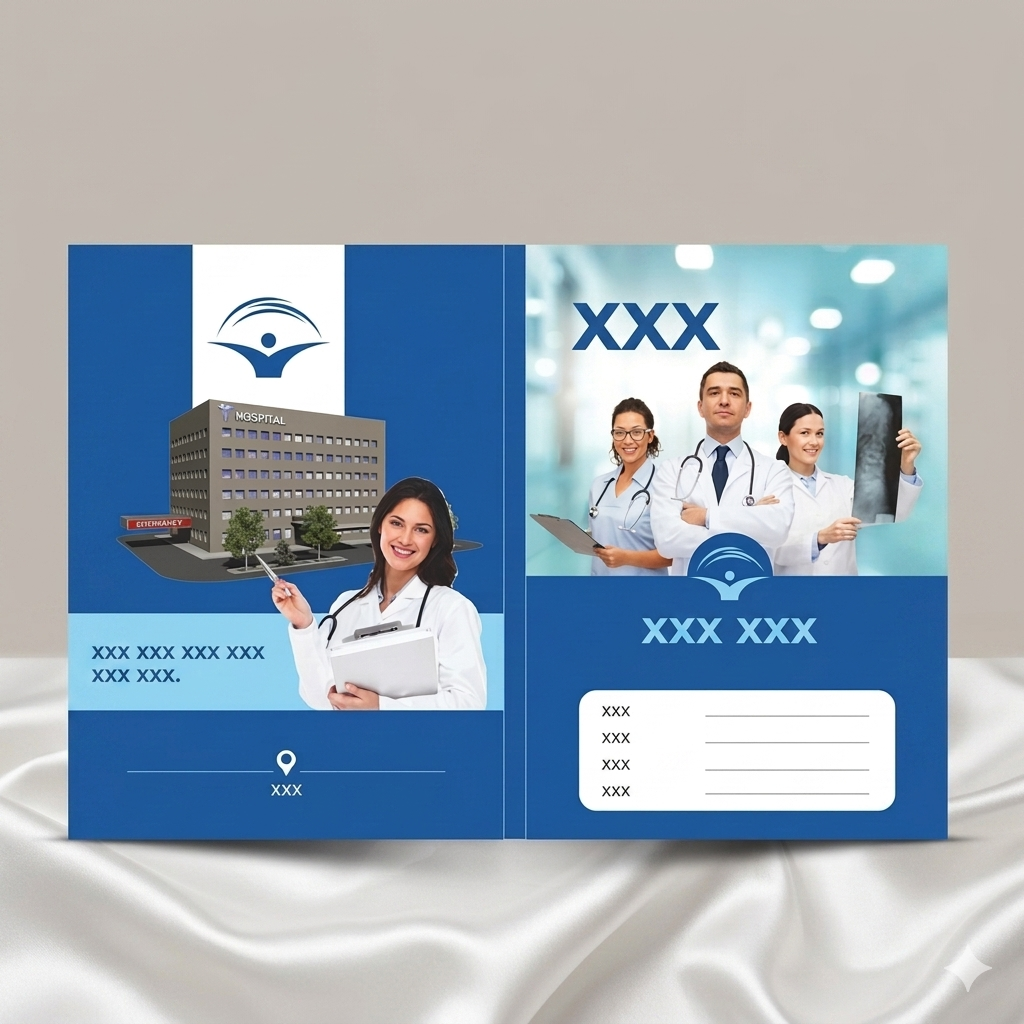 | Hospital Stationary Doctor Files by Imagination Organized, Professional & Practical Medical File Solutions Imagination offers high-quality Doctor Files designed for... View product → |
Inspect the first and last sheets before the files return to use
Release no corrected cover, insert, or label until the first and last production sheets have passed inspection, with a sample from the middle checked as well.
1. Compare all three samples with the approved template and controlled data file. Check the trim size, alignment, spelling, patient name, UHID, registration number, doctor name, date format, department, blank-field behaviour, hole or crease position, and available writing space.
Reject any sheet with text clipped, shifted, misspelled, crowded, or placed where a punch, fold, clip, or folder edge will cover it.
2. Scan every barcode or QR code from the printed sheet using the system staff will actually use. Visual inspection does not prove scanability. Reject a code that fails to scan, lacks clear contrast or quiet space, sits on a dark background, shows lamination glare, or contains an identifier different from the approved record.
3. Reconcile the ordered quantity against the accepted, rejected, securely destroyed, and retained approved-reference quantities. Record spoiled sheets, overruns, proofs, and obsolete versions, then remove obsolete covers and inserts from circulation so an old logo, department name, or registration field is not reused.
4. Link the corrected material to the patient record through the facility’s identity and documentation procedure before staff rely on it. If the patient name, UHID, or another identity detail remains uncertain, keep the file out of clinical use and escalate it to authorised records staff.
Frequently asked questions
What should you do when a Dr file poster has blurred or missing details?
Stop using the file for clinical decisions and reconcile its identity through the facility’s documentation procedure. Do not guess a patient name, UHID, diagnosis, doctor name, or date from the damaged image.
How do you choose the right replacement for a damaged Dr file poster?
Use a cover when the outer file is damaged, an insert when only one information sheet needs replacement, and a label when the file structure remains usable. Choose a complete file replacement when damage affects identity, tracking, or multiple pages.
What information should you provide for poster printing for medical files?
Provide verified patient and facility data, finished size, paper stock, barcode position, colour requirements, and proof instructions. Build the artwork from authorised records rather than enlarging or tracing a blurred image.
How should you check custom Dr file printing before returning files to use?
Inspect the first and last sheets for legibility, correct identity fields, barcode placement, alignment, stock, missing pages, and print defects before releasing the files.