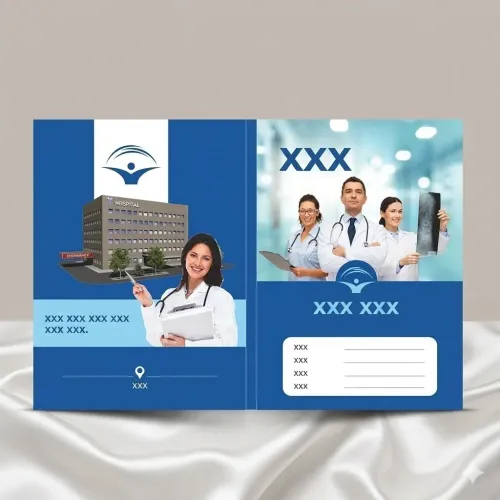

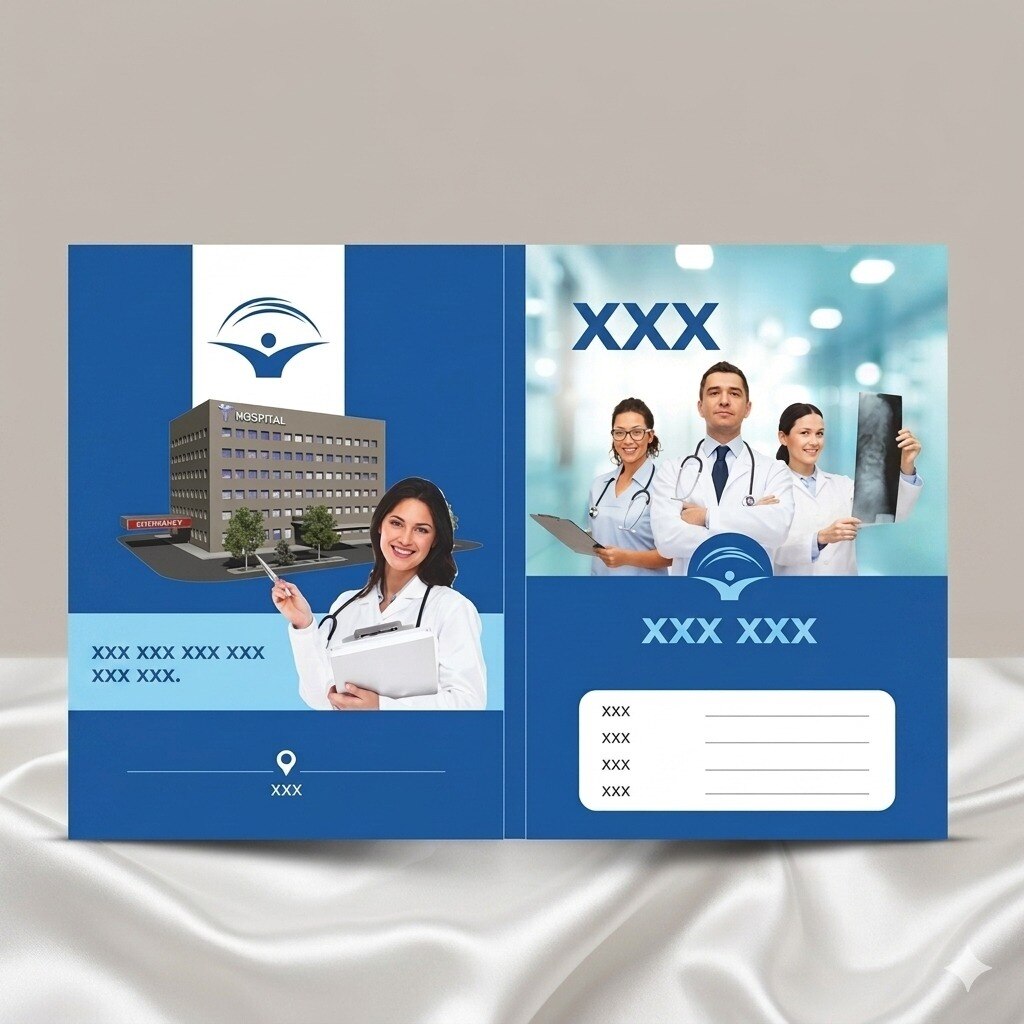
A “poster” on or inside a doctor file can mean a printed cover, a loose patient-information insert, or a separate large-format clinic display. You will be able to identify the correct size, stock, finish, artwork setup and internal construction for each use, then approve a physical sample before ordering.
Key takeaways
- Name the finished item before selecting artwork, dimensions or finishing.
- Choose paper and coating for repeated handling, writing and cleaning.
- Keep patient details out of artwork and proof every text element physically.
- Approve a full-size sample before starting the Nagpur production run.
Decide Which Poster You Are Actually Printing
A “poster” in doctor-file work can mean a loose insert, a printed cover panel, a folded patient-information sheet, or a large-format clinic display. Name the finished item before choosing poster printing specifications for doctor files in Nagpur; each requires different artwork, measurements and finishing.
| Type | Physical format | Production specification |
|---|---|---|
| Loose insert | Separate A4 or A5 sheet placed inside the file | Standard sheet imposition; confirm usable pocket space and hole positions |
| Cover panel | Printed outer face or attached file cover | Dieline, bleed, spine allowance and panel measurements |
| Folded information sheet | One sheet folded into panels | Fold marks, fold allowance and readable panel order |
| Clinic poster | Large display mounted outside the file | Large-format artwork, mounting method and viewing distance |
A loose insert is not a cover panel. A cover panel needs a dieline, while a folded sheet needs measured panels and accurate fold positions. For doctor file printing in Nagpur, specify CMYK artwork, embedded fonts, effective image resolution and the printer’s ICC condition; RGB blues, greens and skin tones can shift during conversion.
Keep reusable files free of patient names and diagnoses. Also ask how paper will be acclimatized and moisture-wrapped during humid weather, because damp stock can curl and feed badly.
Choose the Finished Size Before the Artwork
Choose A4 only when the file’s usable interior measures at least 210 × 297 mm after allowing for pockets, clips and punched holes. A5 suits a compact insert or folded patient-information sheet, while foolscap, commonly 216 × 343 mm, suits longer records that must not be folded.
Choose a custom size when the cover includes wide pockets, flaps, unusual bindings or a non-standard document stack.
| Option | Finished size or format | Best use |
|---|---|---|
| A4 | 210 × 297 mm | Standard insert or cover for an A4 file with confirmed internal clearance |
| A5 | 148 × 210 mm | Small notice, instruction insert or compact patient-information sheet |
| Foolscap | About 216 × 343 mm | Longer clinical records and files designed for foolscap paper |
| Custom | Based on measured panels | Covers with pockets, folded flaps, sleeves or special document sizes |
Do not start artwork from the closed cover size. Ask the printer for a dieline showing front, back, spine, fold allowances and pockets; spine width changes with the inserted sheet count and thickness. A cover panel, loose insert and folded sheet need different production setups.
Your doctor file poster printing specifications should request CMYK artwork, embedded or converted fonts, effective-resolution linked images and the printer’s ICC condition or proofing standard. Among the medical file design options, separate the reusable branded cover from variable patient details, so obsolete information does not force you to discard the entire stock.
Match Cover Stock and Finish to Clinical Handling
Choose the writable surface before the heaviest stock. For reusable custom doctor files, use 250–350 GSM uncoated cover stock or 300–400 GSM duplex board for rigidity; use 100–130 GSM uncoated paper for loose poster inserts, folded information sheets and notes. Heavy stock on every page increases bulk without improving filing.
| Option | GSM and surface | Best clinical use |
|---|---|---|
| Uncoated paper | 100–130 GSM; writable, stampable, not wipe-clean | Loose inserts, signatures and patient notes |
| Uncoated cover stock | 250–350 GSM; rigid and writable | Covers that need frequent handwriting |
| Matte laminated board | 300–400 GSM; scuff-resistant and wipeable, but not writable | Covers with a separate label or writable panel |
| Gloss-coated stock | 250–350 GSM; sharp colour, glare and pen resistance | Promotional inserts with no handwriting |
For doctor file printing in Nagpur, leave an unlaminated writing panel or test a writable film with the actual ballpoint pen before production. Matte or soft-touch lamination can reduce scuffs, but disinfectant, pen ink and repeated flexing can expose edge failure; approve a physical sample.
Acclimatize paper in the print room during humid weather, then pack finished files in moisture-resistant wrapping. Avoid sealing warm, moisture-loaded stacks immediately, or curled covers and feeding problems will follow.
Build Artwork That Prints Clearly and Protects Privacy
A loose A4 insert, cover panel and folded patient-information sheet need different artwork files. Confirm the printer’s dieline, fold positions and finished panel size before placing text. The doctor file poster printing specifications should state:
- Colour: supply CMYK artwork, with the printer’s intended ICC condition or proofing standard identified. RGB files can shift saturated blues, greens and skin tones during conversion.
- Resolution: provide linked images at 300 ppi at final size; supply logos and line artwork as vector files where possible.
- Fonts: embed or convert fonts to outlines so substitutions do not alter names, headings or alignment.
- Bleed and margin: add 3 mm bleed on every trimmed edge, and keep text, logos and barcodes inside the safe margin agreed with the printer.
- Text and barcode: use readable body text, strong contrast and a barcode with its quiet zone intact. Do not stretch, crop or place it across a fold; test the printed sample with the intended scanner.
Choose medical file design options that leave no patient name, diagnosis, phone number or address on reusable stock. Print branding and instructions separately from variable patient data, using a label or patient sheet that you can destroy when details change.
Specify the Internal Construction Around Real Records
The internal build should be sized around the thickest record stack, not the nominal A4 or A5 sheet. An A4 sheet is 210 × 297 mm, but punched holes, clips and pockets reduce usable space, so measure the clear interior and add a gusset for expanding files.
| Option | Carries | Construction | Best use |
|---|---|---|---|
| Flat pocket | Loose reports and prescriptions | One bottom or side pocket, open edge reinforced | Thin, frequently accessed records |
| Sleeve | X-rays, referral letters and folded forms | Full-height clear or opaque sleeve | Documents that must stay clean and contained |
| Accordion gusset | Thick patient files | Folded side panels with two or more expansion folds | Records that grow during treatment |
| Snap or zip closure | Complete file contents | Closure positioned away from writing areas | Transport and storage between departments |
Use a side-opening pocket for papers removed repeatedly; a top-opening sleeve retains documents during handling. A flap with a snap protects contents better than an elastic band, which can loosen and catch on other files.
For custom doctor files, specify whether the cover opens flat, like a folder, or folds over like a booklet. State pocket depth, sleeve material, gusset width, closure position and the maximum record thickness in millimetres.
This is essential when choosing poster printing specifications for doctor files in Nagpur, where a sample should be loaded with actual records before production.
Approve a Physical Sample Before the Nagpur Production Run
Do not release custom doctor files for bulk production until you inspect a physical contract proof or production sample. A soft proof catches spelling and layout errors, but it cannot show paper feel, lamination glare, fold cracking, pocket clearance or whether clips obstruct the file.
1. Check the finished size, trim edges, folds, flap allowances, pocket alignment and hole positions against an actual record stack. Insert prescriptions, reports and clipped papers to confirm that nothing catches or buckles.
2. Write on every intended writable area with the pen used at the clinic. Check smudging, coating, glare and whether the surface remains legible under fluorescent lighting.
3. Scan every QR code and barcode from the sample. Confirm colour, contrast, quiet zones and readable text before approving the run.
4. Ask the printer to confirm CMYK artwork, embedded or converted fonts, effective image resolution and the intended ICC proofing condition. RGB conversion can shift saturated blues, greens and skin tones.
5. Keep patient names, diagnoses and contact details out of reusable stock. Use a separate variable-data label or patient sheet so obsolete information does not force disposal of the entire file.
For doctor file printing in Nagpur, ask how paper was acclimatised and how finished files will be wrapped during humid weather. IMAGINATION can document these checks in the approved sample record, giving both sides a fixed reference for production.
Related products
 | Hospital Stationary Doctor Files by Imagination Organized, Professional & Practical Medical File Solutions Imagination offers high-quality Doctor Files designed for... View product → |
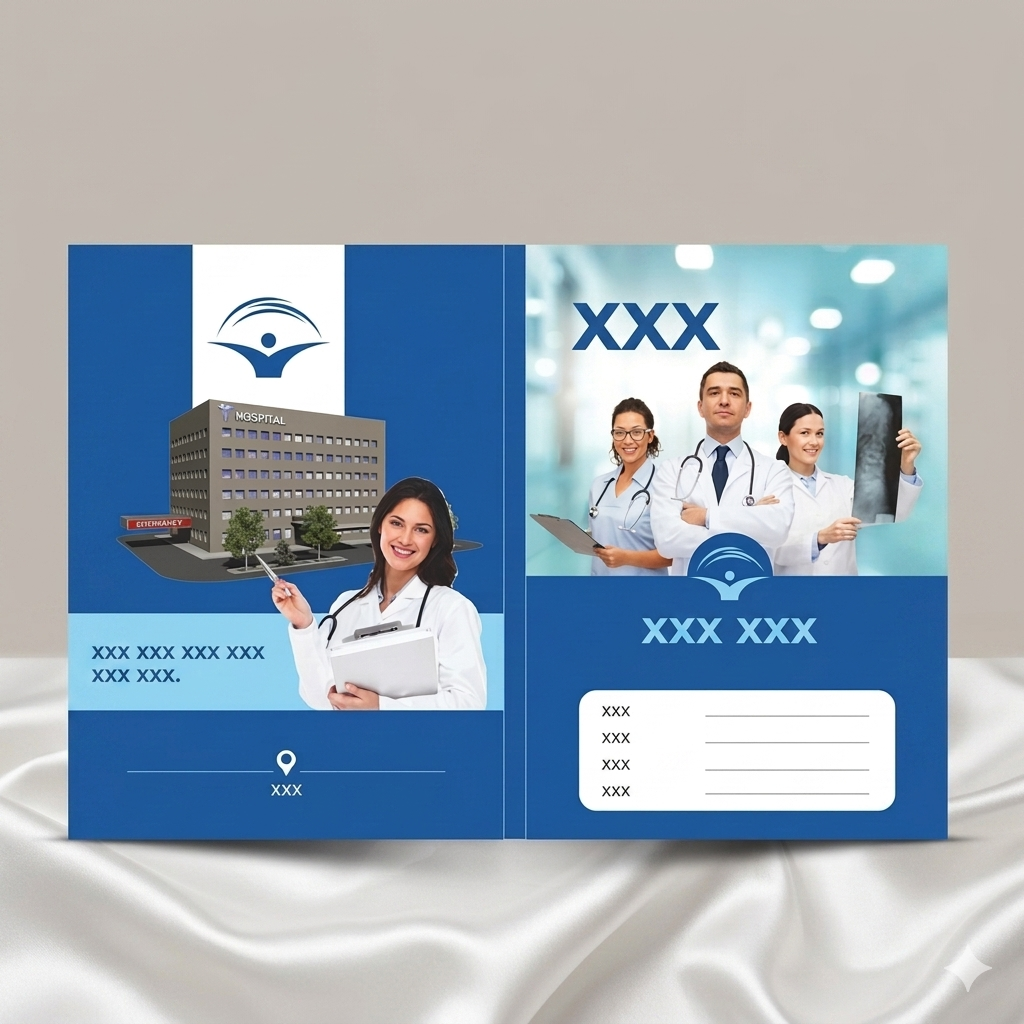 | Hospital Stationary Doctor Files by Imagination Organized, Professional & Practical Medical File Solutions Imagination offers high-quality Doctor Files designed for... View product → |
Frequently asked questions
What should you decide before choosing doctor file poster printing specifications?
Identify whether you need a loose insert, cover panel, folded patient-information sheet or large-format clinic display.
How do you choose a suitable size for a doctor file poster?
Set the finished size first, then build artwork to those dimensions so folds, pockets and trimming do not remove important content.
Which paper finish suits doctor files used in clinics?
Match the stock and finish to handling, writing, cleaning and the amount of bending the file will receive.
Why approve a physical sample before doctor file printing in Nagpur?
A physical proof lets you check size, colour, legibility, folds, pockets, trimming and record fit before the full production run.
Related product
 | Hospital Stationary Imagination offer premium-quality MRI Report Bag Printing Services for hospitals, diagnostic centres, radiology clinics, and medical laboratories. View product → |