
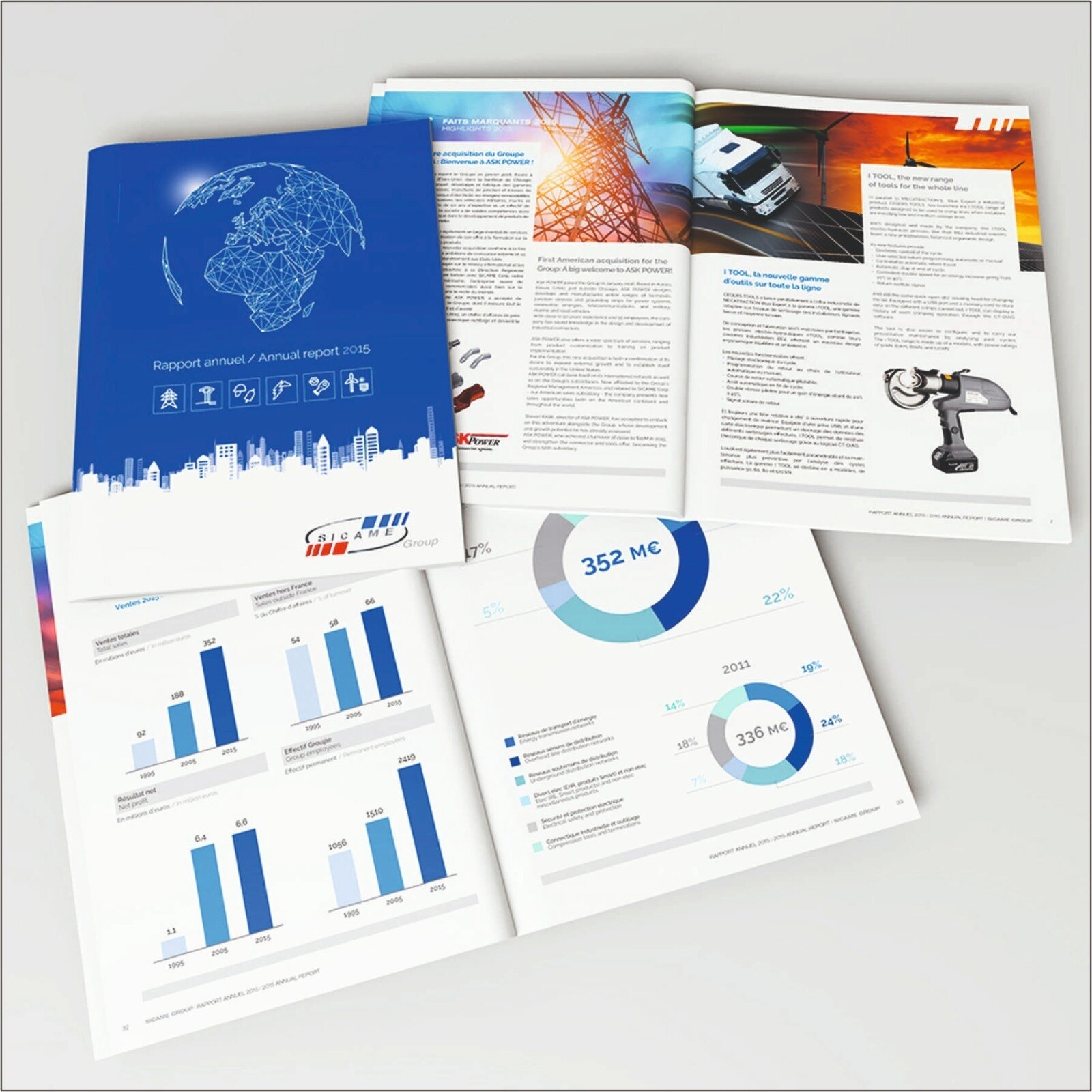
A printed annual report can contain missing pages, wrong figures, colour shifts, binding faults, or trim damage even when the supplied PDF looked correct. Use a controlled inspection sequence to identify the fault, trace it to artwork or production, and decide whether to approve, correct, or reject the affected books before delivery.
Key takeaways
- Compare a printed sample with the approved PDF before opening the full run.
- Check page order, trim, colour, images, covers, spine, and loose pages.
- Correct artwork before imposition; later changes cost more and risk new errors.
- Reprint serious defects; accept minor variation only against agreed tolerances.
Build a fault checklist before opening the full run
A single finished book will expose more than a screen proof. Before opening the full run, compare a printed sample with the approved PDF and retain the preflight report for traceable annual report book printing problems.
- Check for missing, duplicated, blank, or incorrectly ordered pages.
- Verify folios, section openers, captions, figures, cut-off text, clipped images, trim size, bleed, and safe margins.
- Look for colour shifts, banding, streaks, uneven solids, muddy shadows, smudging, set-off, show-through, scratches, and paper damage.
- Examine the cover for crooked trimming, wrong artwork, cracking at the score, spine text that is off-centre, and panels that do not align.
- Inspect the first and last signatures, then turn every page before reviewing a random sample from the full run.
| Defect | Visible clue | Record for diagnosis |
|---|---|---|
| Content fault | Missing, repeated, blank, or wrongly ordered page | PDF page and printed folio |
| Trim fault | Cut-off text, clipped image, uneven margin, or missing background bleed | Trim edge and measured deviation |
| Print fault | Streaks, banding, colour shift, smudge, show-through, or muddy shadow | Sheet, side, ink area, and sample number |
| Binding fault | Loose pages, crooked cover, cracked fold, or misaligned spine | Binding position and paper stock |
Flag repeated inner-margin movement as creep or imposition trouble, not as an isolated artwork error. Record each finding with photographs, the sample number, and the approved PDF revision.
Inspect the approved PDF against the printed book in order
Use the approved imposed-size PDF as the master, not the editable InDesign package. Keep its preflight report with the sign-off record so annual report printing corrections remain traceable.
1. Check the cover, back cover, spine width, trim, and registration. Confirm that the title, reporting period, logos, and required statements are complete and positioned correctly.
2. Compare the first and last signatures with the PDF. Look for missing, duplicated, blank, or incorrectly ordered pages, then verify that section openers, folios, and contents-page references align.
3. Turn every page in sequence. Compare headings, paragraphs, tables, captions, charts, photographs, page numbers, and footnotes against the PDF. Check figures, names, dates, percentages, and totals against the approved source data; a clean print cannot correct a factual error already present in the file.
4. Inspect trim edges and inner margins for cut-off text, clipped images, missing bleed, crop marks, colour changes, overprint failures, streaks, banding, smudging, show-through, and paper damage. View white objects, black text, and spot colours in overprint preview before approval.
5. Review a random sample from the full run, including copies from different cartons or pallets. If any page differs from the approved PDF, stop delivery, identify the affected quantity, and repeat the complete comparison after correction rather than swapping one page without rechecking imposition.
Correct the file before it reaches imposition and press
A missing font, wrong trim size, absent bleed, low-resolution image, RGB object, unintended spot colour, or faulty overprint setting requires a source-file correction. Fixing annual report books for printing problems inside an imposed PDF hides the cause and can disturb unrelated pages.
Use this decision table before releasing artwork:
| Error | Required action | Why a new proof is needed |
|---|---|---|
| Missing or substituted font; clipped text; wrong folio | Correct the source file, export a fresh PDF, and approve a new proof | Reflow can change line breaks, page counts, and section openers |
| Replaced, moved, or added page | Revise the source file, regenerate the complete PDF, rerun preflight, and proof the complete book | Signature imposition, blank-page placement, creep compensation, and folio order can change |
| Wrong trim, bleed, page size, crop marks, or image resolution | Correct the source file, create a fresh PDF, and proof the affected spreads | A page can pass a basic PDF check while still cutting into text or showing white edges |
| Bad overprint, white set to overprint, or RGB-to-CMYK conversion | Correct the artwork, export again, inspect Overprint Preview, and request a new proof | White objects can disappear and black or spot elements can print differently |
| Excessive total area coverage | Adjust separations to the printer’s agreed TAC limit, then regenerate and proof | Heavy ink can cause set-off, slow drying, curl, or muddy shadows |
Retain the preflight report with the approved PDF. PDF/X compliance alone does not confirm correct dimensions, ink coverage, overprint, or output quality.
Check colour and image quality against the agreed print condition
A colour shift, muddy shadow, or soft chart needs a controlled comparison before anyone changes the artwork. Use the approved contract proof and the final imposed-size PDF, not a monitor or office inkjet print, to diagnose annual report book print quality.
- Check colour setup: confirm the PDF’s CMYK separations, RGB objects, unintended spot colours, overprint settings, and total area coverage against the agreed print condition and stock. Excessive coverage can cause slow drying, set-off, curl, or muddy shadows.
- Check image resolution: calculate effective resolution at placed size. A 300 ppi image enlarged to 200% becomes approximately 150 ppi; inspect logos, charts, and small graphics separately from photographs.
- Check the stock: compare coated and uncoated sheets for dot gain, contrast, saturation, show-through, and text sharpness. The same file can look darker or less vivid on different paper.
- Check the proof record: confirm the simulation data, viewing conditions, approved version, and ink limits. A print run that matches the proof points to acceptable colour setup; a mismatch after correct preflight points to press control or paper behaviour.
Retain the preflight report and proof approval with the production file so the cause and correction remain traceable.
Trace loose pages, crooked covers, and spine faults to the binding method
Diagnose annual report binding issues by identifying the binding method before changing the artwork. The same loose page has different causes in a saddle-stitched book and a perfect-bound book.
| Method | Fault pattern | Correction |
|---|---|---|
| Saddle stitching | Page count is not a multiple of four, pages drift toward the fore-edge, or inner margins tighten progressively. | Recheck signature imposition and creep compensation. Do not move one page in the source file; regenerate the complete imposed PDF. |
| Perfect binding | Pages loosen at the spine, the book resists opening near the gutter, or the cover spine is too wide or narrow. | Recalculate spine width from the actual page count, paper caliper, cover stock, adhesive, and binding equipment. Reproof the complete cover. |
Check a full-bleed spread at finished trim and as imposed pages. Keep figures, faces, chart labels, and legal copy out of the gutter; a wrong page box or bleed can create lost text or a white sliver.
Confirm that the paper grain runs parallel to the spine or principal fold. Cross-grain folding causes cracking, curl, stiffness, and poor opening, especially with coated or heavy stock. Ask whether a scored cover or gatefold needs scoring before approval.
A page replacement can change blank-page placement, folios, creep, and spine width. Make a controlled revision, run final-PDF preflight, and approve a new proof.
Decide whether to correct the artwork, request a reprint, or accept the variation
Make the decision from evidence, not from the printer’s assurance. Attach photographs, affected page numbers, defect counts, the approved imposed-size PDF, preflight report, and proof approval to a discrepancy record. Record whether the defect came from supplied artwork, prepress, press, paper, or binding.
| Option | Decision | Required action |
|---|---|---|
| Correct artwork | The approved file contains the error | You supply a controlled revision; the printer issues a fresh preflight report and proof |
| Request reprint | The printed copy differs from approved artwork or agreed tolerances | The printer confirms quantity, replacement date, inspection method, and disposal of faulty copies |
| Accept variation | The defect is within the signed tolerance and does not affect content, legibility, colour-critical elements, or binding | Both parties sign the acceptance record |
Assign each annual report printing corrections task by name: you own factual or design changes; the printer owns imposition, colour conversion, proof matching, production, and binding faults. IMAGINATION can require that sign-off before fixing annual report books for printing problems begins.
For any reprint, inspect a retained approved copy and a production sample before release. Do not approve a page replacement inside an imposed PDF without rechecking signatures, page order, creep, spine width, and folios.
Related product
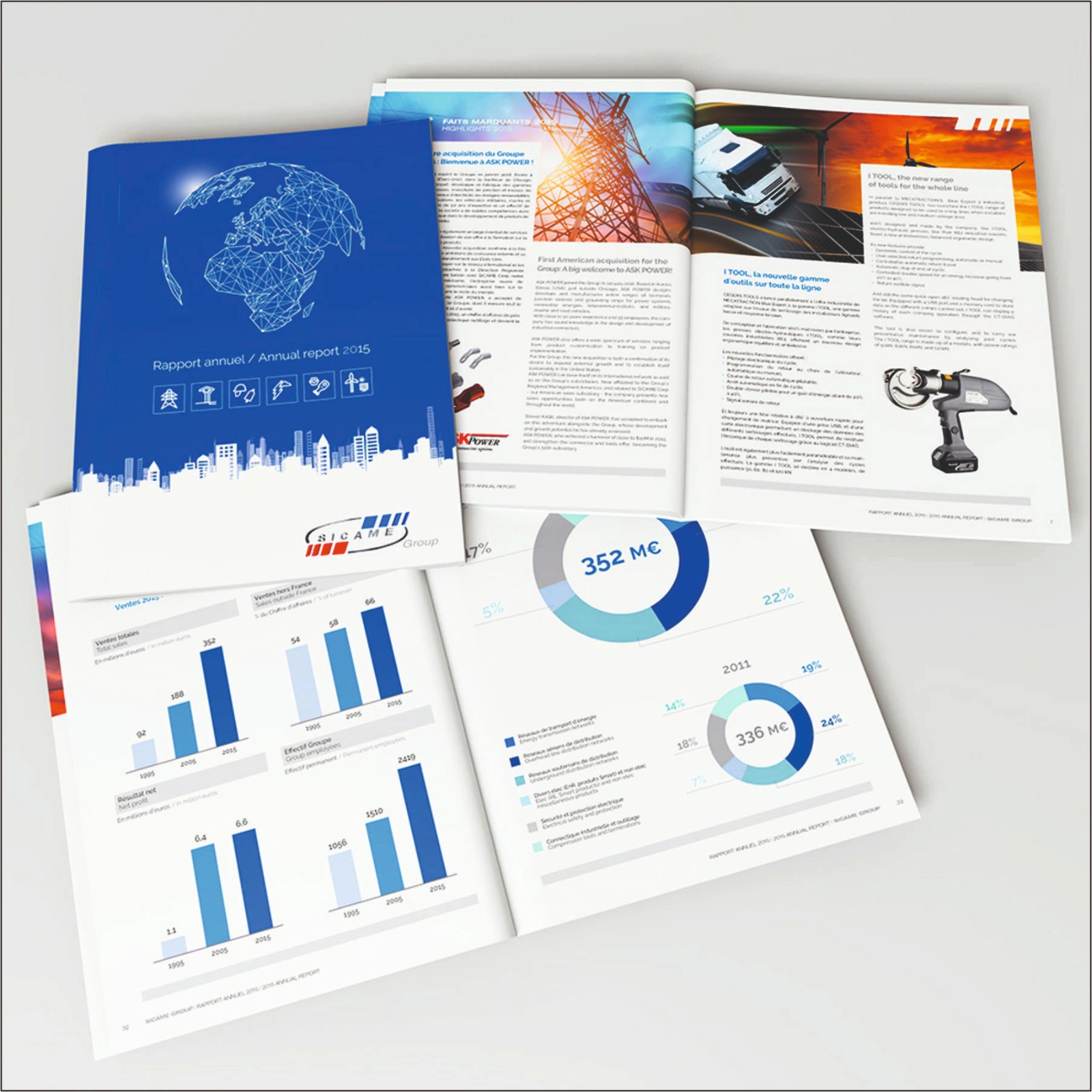 | BOOK Present your organization’s achievements, financial performance, milestones, and future vision with professionally designed Annual Report Books by... View product → |
Frequently asked questions
What should you check before opening the full annual report print run?
Build a fault checklist and compare a printed sample with the approved PDF. Check page order, missing or repeated pages, trim, margins, colour, image quality, cover alignment, spine, and page security.
How do you inspect an annual report book against the approved PDF?
Inspect in sequence from the cover through the final page. Confirm the cover text, pagination, headings, tables, charts, images, colour blocks, trim, and binding against the approved file.
When should you correct annual report artwork?
Correct the file before imposition and press when you find missing fonts, incorrect page content, low-resolution images, wrong colours, trim errors, or incorrect bleeds.
How do you diagnose annual report binding issues?
Trace loose pages, crooked covers, cracked spines, and poor opening to the binding method, paper weight, glue or stitching, cover alignment, and finishing setup.
Should you fix the artwork, request a reprint, or accept a variation?
Fix artwork when the approved file is wrong, request a reprint when production created a material defect, and accept variation only when it stays within the agreed print and finishing tolerance.